 Analysis by Gamescozy
I would treat Baby Games: Piano & Baby Phone as a small, supervised activity for curious little hands, not as a substitute for a parent, a music lesson, or a full early-learning program. Its appeal is easy to understand: it brings playful sounds and familiar nursery-rhyme themes together in an educational game for young children. For a first-time user, the most reassuring approach is to open it alongside your child, try one activity together, and see which sounds or interactions hold their attention.
What to expect from the play
The game is made by RV AppStudios and is free to get, with an Everyone age rating. It has been available since April 1, 2019, and its broad reach suggests it is a familiar option for families browsing children’s games: it has passed 50 million installs, with an average rating of 4.4 from around 62,000 ratings. Those figures are useful context, but they do not tell you whether a particular child will enjoy it. Attention, age, and interest in sound matter much more in everyday use.
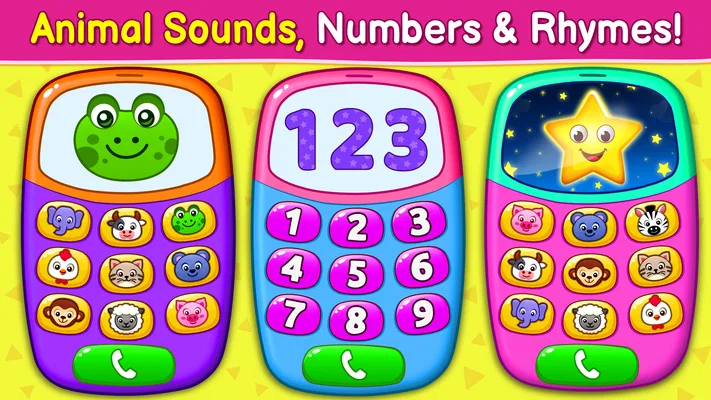
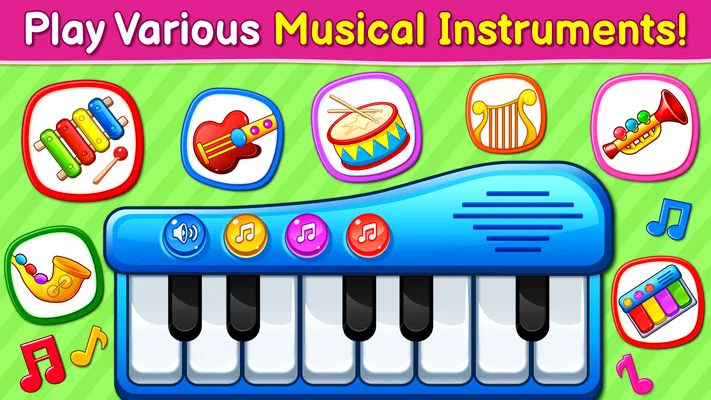
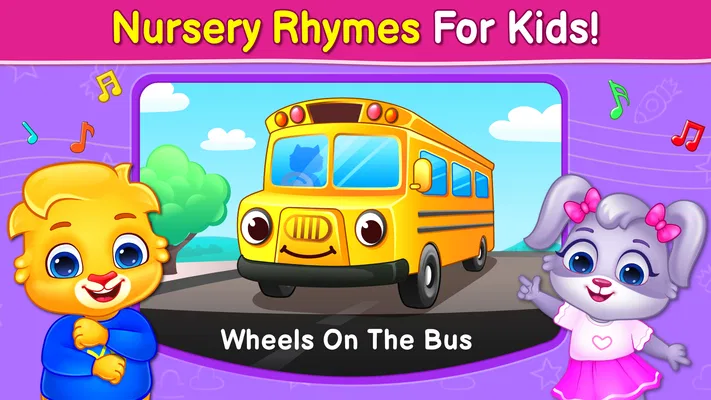
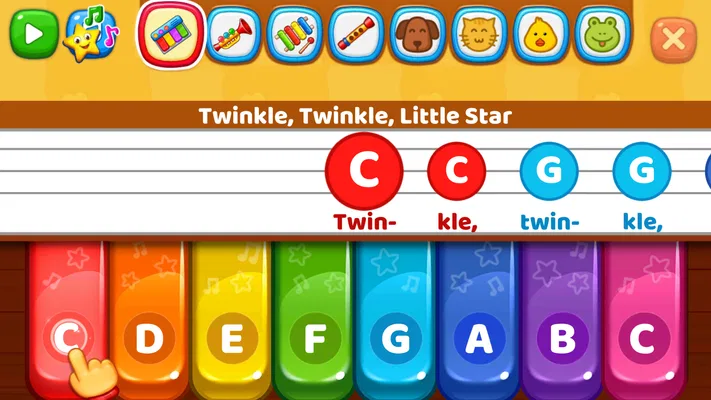
The central idea is simple rather than academic. The activities bring together a baby piano, musical instruments, and nursery-rhyme play. I would expect the strongest moments to come from letting a child tap and listen, then naming what they hear: a note, a rhythm, or a familiar tune. That kind of shared play can make a screen session feel more like a conversation than passive entertainment.
It is worth setting expectations before handing over the device. This is a game, so it is best approached as playful exploration; I would not rely on it to teach a child to read music, practise an instrument systematically, or follow a carefully sequenced curriculum. If your goal is a structured piano course with lessons and progress tracking, a dedicated music-learning app is likely a better fit. If your goal is a quick, sound-focused activity for a young child, this is much closer to the mark.
The difference from a video or a playlist is that a child can interact with the musical idea rather than only watch or listen. The difference from a conventional instrument app is that the emphasis is on accessible play, not precision. That trade-off is useful for a toddler who wants to explore sounds without needing to understand controls, but less satisfying for an older child who wants a challenge or a clear sense of musical advancement.
A gentle first setup
For the first session, I would choose a calm moment and keep the phone or tablet within your reach. Open the game, look through the available activities with your child, and pick just one to start. This avoids turning the first minute into a rapid tour of every option. A child who is still getting used to a screen may do better when you model a single tap, pause to listen, and let them try the next one.
There is no need to make the first visit feel like a test. Sit beside your child and use simple prompts such as “What did that sound like?” or “Would you like to hear it again?” The point is not to quiz them; it is to connect the sounds on screen with their own choices. If they would rather tap freely than follow your suggestion, that is still a valid way to explore a game built around music and playful interaction.
A practical tip is to decide on a stopping point before you begin. For example, you might agree to play one short activity before lunch or while waiting for a meal to cool. This gives the game a place in the day without letting it become the automatic answer whenever a child is bored. It also makes it easier to notice whether the activity genuinely holds their interest or is merely keeping them occupied.
Finding the first rewarding moment
A good first success is small: your child taps a sound, listens, and then chooses to make it again. I would treat that repeat as a sign of curiosity, not as evidence that the game has taught a specific skill. You can build on it by copying the rhythm with your hands, naming the instrument-like sound, or singing along if a nursery rhyme appears. That turns a simple interaction into a shared moment without asking the child to sit still or perform.
This is also where the game’s musical angle can work well in an ordinary routine. If you are waiting in a quiet room or need a short distraction while preparing food, a brief turn with the piano or a rhyme can offer something more engaging than handing over a video. Keep the sound at a comfortable level and stay nearby; the best result is a few minutes of playful attention, not a long stretch of screen use.
One useful way to keep the interaction from becoming repetitive is to alternate between screen and real-world sounds. After exploring a musical activity, pause and listen for a sound in the room, or tap a simple rhythm on the table together. The game then becomes a prompt for noticing music rather than the whole activity. This is especially helpful for a child who enjoys repeating the same touch but is ready for a little variety.
Where first-time users can get confused
With a young child, a lack of response does not necessarily mean the game is difficult or broken. They may be more interested in touching several things quickly than in listening to each result. I would slow the pace by demonstrating one interaction at a time and waiting before offering another. If the child keeps switching activities, let them explore briefly, then gently return to the one that seemed to catch their attention.
Another common mismatch is expecting the game to behave like a traditional piano. A playful baby-focused experience is not the same thing as a keyboard designed for accurate practice. If your child wants to reproduce a melody, understand notes, or build technique, you will probably need a real keyboard or a more focused music-learning tool alongside it. The game’s value is in making musical play approachable, not in replacing those tools.
It can also be tempting to judge the app by how long a child stays engaged. I would not use screen time as the measure of success. A short burst of focused tapping, listening, and singing can be more worthwhile than a longer session in which the child simply keeps pressing the screen. If the sounds start to irritate your child or the activity turns into aimless tapping, it is perfectly reasonable to close the game and try again another day.
Who it suits, and when I would choose something else
I would consider this a sensible option for caregivers looking for a free, easy-to-try musical game for a young child. Its combination of piano-style play, instrument sounds, and nursery-rhyme themes gives you a few natural starting points, especially if the child already responds to songs or enjoys making noise. The Everyone rating also makes it broadly suitable for family use, while adult supervision remains important for deciding when and how the device is used.
It is less suitable if you want a quiet, non-screen activity, an app with formal lessons, or a game tailored to an older child who expects puzzles and progression. In those cases, a picture book, a toy instrument, or a structured music app may serve the purpose better. I would also skip it when the child is already overstimulated or needs a chance to settle; extra sounds can make that moment harder rather than easier.
Compared with the usual alternatives in children’s entertainment, this sits between passive nursery-rhyme videos and serious instrument-learning apps. It gives a child something to touch and hear, but it does not ask a parent to turn the experience into a lesson. That middle ground is its clearest strength—and its main limitation. The relaxed approach makes it welcoming, while the lack of a deeper learning structure means adults need to add the conversation, repetition, and real-world musical play themselves.
Making it part of a routine
After the first session, I would keep the next step modest: return to the activity your child liked, then invite one small variation. You could sing along to a rhyme, copy a rhythm, or compare a game sound with a toy instrument at home. If the child is more interested in the piano interaction, let them revisit it instead of pushing them through every option. Following their curiosity is more likely to make the game enjoyable than treating it as a checklist.
For families sharing a device, it can help to make the handoff clear. Tell the child whose turn it is, sit with them if they are still learning how to use a touchscreen, and put the device away when the agreed activity ends. This gives the game a predictable role rather than letting it drift into an unlimited distraction. The approach is particularly useful in waiting rooms or during a brief pause at home, where a short musical diversion can be welcome but should not take over the whole break.
My overall view is that Baby Games: Piano & Baby Phone is worth trying if you want an approachable way to introduce a young child to playful sounds and familiar musical ideas. Its large audience and 4.4 average rating make it a popular choice, but the more important question is whether your child enjoys listening and tapping with you nearby. Start with one activity, celebrate a small moment of curiosity, and stop when the fun fades. That is the way I would get the most from it: as a brief shared experience, rather than a promise of formal learning or an all-purpose solution for keeping a child busy.